
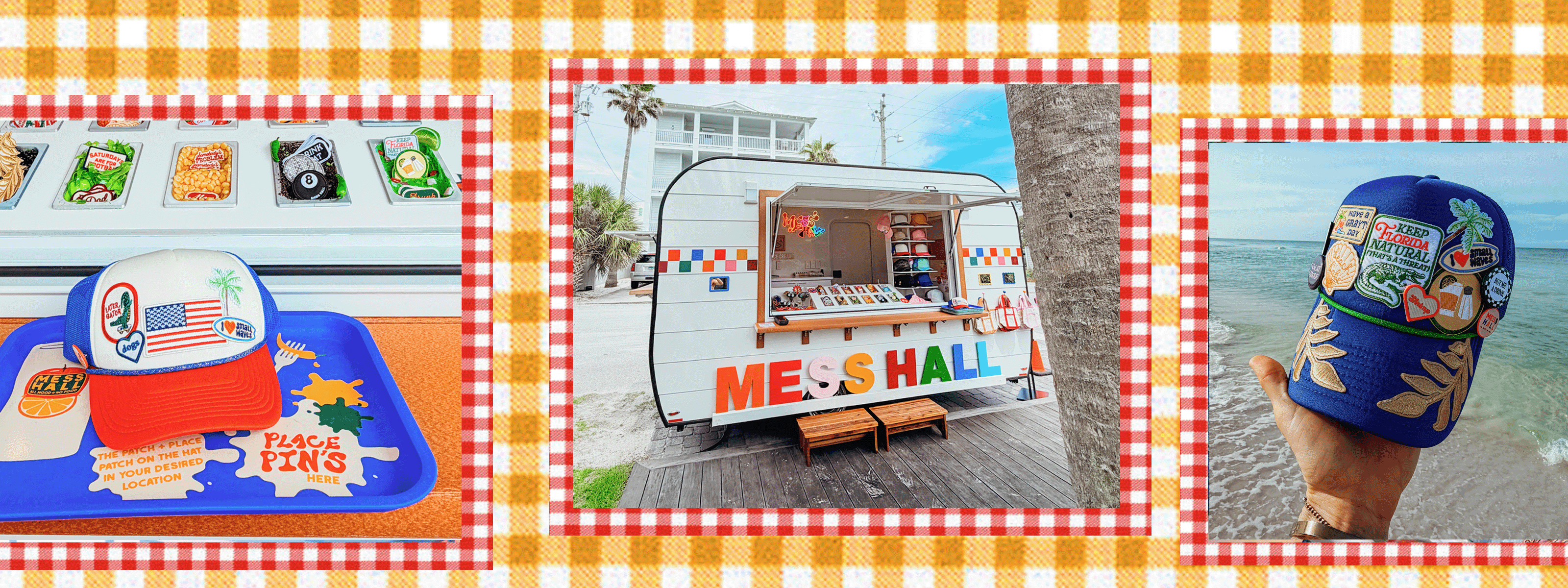
MESS HALL
Inventory Intelligence
Drop Shopify CSV Here
Drag & drop your Shopify products export
Supports Products CSV · Automatically maps columns
Supports Products CSV · Automatically maps columns
01
Export from Shopify
Go to Admin → Products → Export. Choose "All products" and select CSV format.
Products → Export → CSV
Products → Export → CSV
02
Upload the file
Drop your CSV above. We auto-detect SKU, stock qty, tags, type, vendor, and price columns.
products_export_1.csv
products_export_1.csv
03
Get your report
Mess Hall rules run automatically — core cap, retired flags, thresholds, collection health, reorder plans.
Total SKUs
—
Critical / OOS
—
Low Stock
—
Core SKUs
—
Retired Stock
—
units on hand
Healthy SKUs
—
CORE SKU CAP
Load inventory to see core cap status
—/100
085 — Warning100 — Max
🚨 CRITICAL ALERTS
Negative stock, core stockouts, data integrity issues
No Alerts
Import a CSV to run intelligence
📉 LOW STOCK REORDERS
Below category threshold — pack-based quantities
Nothing to Reorder
🚫 RETIRED — DO NOT REORDER
Clearance candidates with remaining stock
No Retired Stock
| SKU | Product | Variant / Style | Type | Tags | On Hand | Stock Level | Warn At | Reorder At | Status |
|---|---|---|---|---|---|---|---|---|---|
No Inventory Loaded
Import a Shopify CSV to get started
| |||||||||
REORDER PLANNER
Active items below threshold · Pack-aligned quantities · Retired excluded
| SKU | Product | Type | On Hand | Reorder At | Pack Size | Suggested Packs | Order Qty | Priority |
|---|---|---|---|---|---|---|---|---|
All Stocked
| ||||||||
COLLECTION HEALTH
Inventory grouped by product tags
No Data
Category Thresholds
These are the Mess Hall warehouse rules. Changes apply immediately to all analysis.
🧷 Patches / Pins / Buttons
Units ordered per pack
Start reorder process below this qty
🧢 Hats
Core SKU Cap
Alert at 85% of this cap
Collections to Track
Comma-separated tag names to monitor in the Collections tab

WE COME TO YOU
BOOK OUR MOBILE POP-UP
- A pop-up version of our signature hat bar experience
- Two-hour mobile setup brought directly to your celebration
- Perfect for bachelorettes, birthdays, girls’ trips, and weekends in 30A